
Start with the information, not the logo.
“Chartplotter integration” can mean different things. A position target is not the same as a vessel-data display, and neither automatically tells you how alerts are presented or acknowledged.
Before comparing systems, define what the crew needs to see and where they need to see it. Then ask for a demonstration using the relevant hardware, software and interfaces.
Follow the data from the tender.
TowPro offers Garmin EmpirBus integration on supported tenders and NMEA connectivity. The useful questions are which signals are present, which interfaces are required and what the proposed TowPro configuration can use.
Bilge activity, battery information, depth and fuel can be relevant to the conversation. Their availability depends on the equipment actually fitted and the data exposed by that installation.
A useful demonstration names the source, the interface and the information the crew receives.
Make the yacht-side demonstration specific.
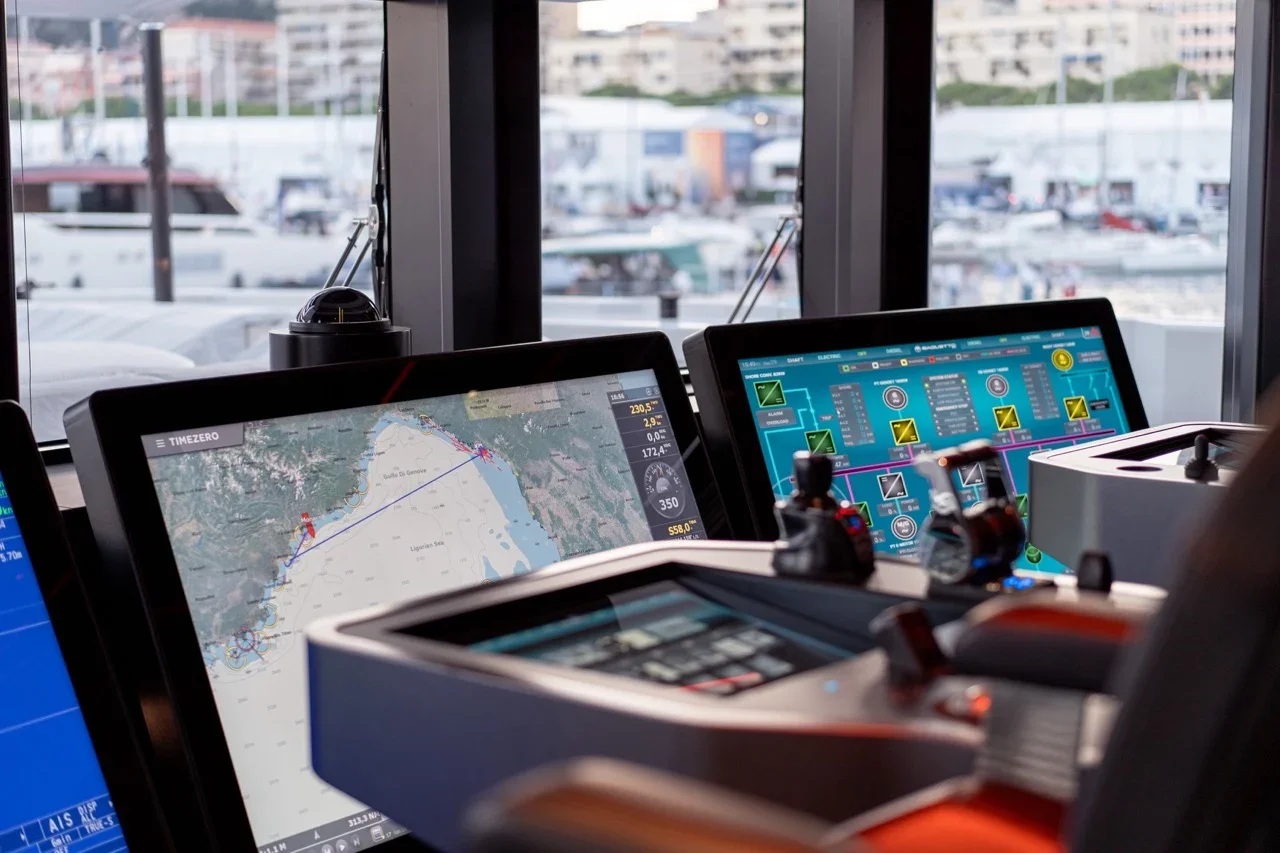
TowPro’s Furuno and TimeZero integration should be reviewed against the yacht’s own bridge environment. Record the display or computer model, software version and interface. See the information shown, and discuss how the crew will recognise and respond to a change.
Include communications and data age.
Local and satellite communication paths may report differently. Ask about the reporting interval, the age of information and behaviour when a connection is interrupted. Do not assume the same update rate everywhere in the system.
Finish with an installation brief.
A good specification records the supported signals, bridge interface, communications, installation and commissioning requirements. That gives both the crew and the installer a clear basis for the next step.